

Posters - Indoors


Posters vs. Socials: Are Posters Still Worth It?
While social media is essential for modern marketing, it is also incredibly crowded, and posts are easily scrolled past. Posters, on the other hand, offer a tangible, inescapable physical presence. They capture "dead time"—such as when people are waiting for a bus, standing in a queue, or walking down the street. While social media is great for quick engagement, posters build local brand authority, offer high visual recall, and cannot be muted or swiped away. For the best results, you shouldn’t choose one over the other; use a hybrid approach by putting a QR code on your poster to instantly drive physical traffic to your social media pages.
Standard UK Poster Sizes
In the UK, poster sizes almost always follow the international ISO "A" format. Here is a quick guide to the most common UK sizes:
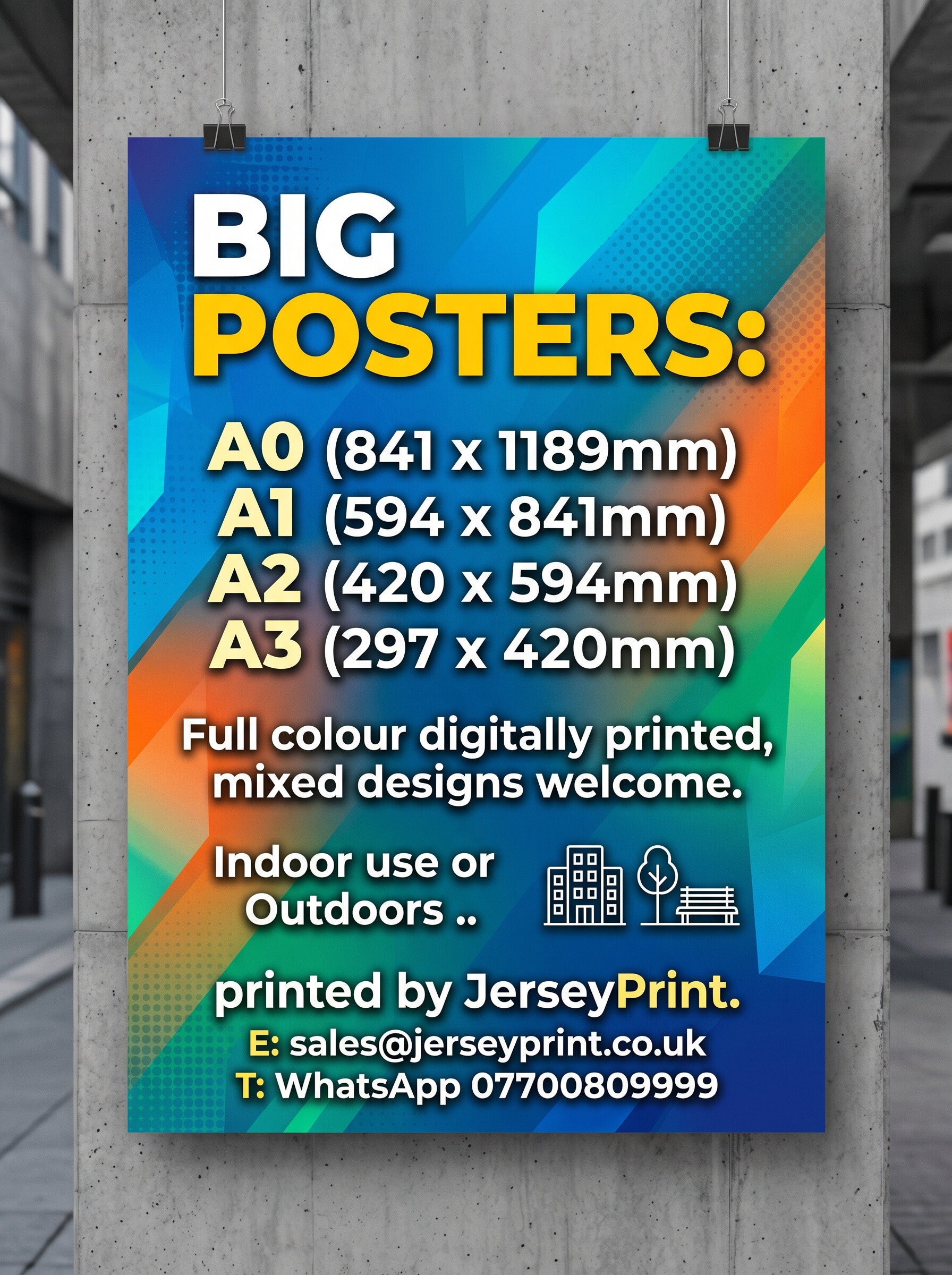
- A4 (210 x 297 mm): Perfect for noticeboards, shop windows, or checkout counters.
- A3 (297 x 420 mm): The most popular indoor size—great for event flyers in cafes and pubs.
- A2 (420 x 594 mm): Ideal for window displays and medium-sized advertising.
- A1 (594 x 841 mm): A standard large poster size, perfect for exhibition halls, cinemas, and retail promotions.
- A0 (841 x 1189 mm): Giant posters designed for maximum impact from a distance.
- 6-Sheet (1200 x 1800 mm): The standard size for UK bus shelters and roadside billboards.
Canva Jargon Buster: What are Bleed and Crop Marks?
When professional printers cut posters to size, they cut them in large stacks. Because paper can shift slightly during cutting, printers require "bleed" and "crop marks" to ensure your poster looks perfect.
- Bleed (usually 3mm in the UK): This is an extra border of your background design that extends beyond the final cut line. Think of it as a safety net. If you don’t include bleed, and the cutting blade is off by a fraction of a millimeter, your poster will have an ugly white sliver of paper along the edge.
- Crop Marks: These are small, fine lines printed in the corners of your sheet. They show the printer exactly where to slice the paper to get the correct poster size.
How to do this in Canva:
- While designing, go to File > View settings > Show print bleed. Make sure your background images and colors stretch all the way to the very outer edge of this new boundary.
- When downloading, select PDF Print (not Standard PDF).
- Check the box that says "Crop marks and bleed" before hitting download.
Indoor vs. Outdoor Posters: What’s the Difference?
Choosing the wrong material can result in your poster turning to mush in the rain or fading in the sun. Here is the difference:
- Indoor Posters: These are printed on standard paper (usually between 130gsm and 250gsm) with a silk, gloss, or matt finish. They look crisp and vibrant, but they are not waterproof. If exposed to moisture, the paper will wrinkle, and the ink will run.
- Outdoor Posters: These are engineered to withstand the elements. They are printed using UV-resistant, waterproof inks. Instead of standard paper, outdoor posters are printed on waterproof PVC/vinyl, or "Blueback" paper (which has a blue backing to stop light shining through and prevents old posters underneath from showing through). They won't tear in the wind or fade in direct sunlight.